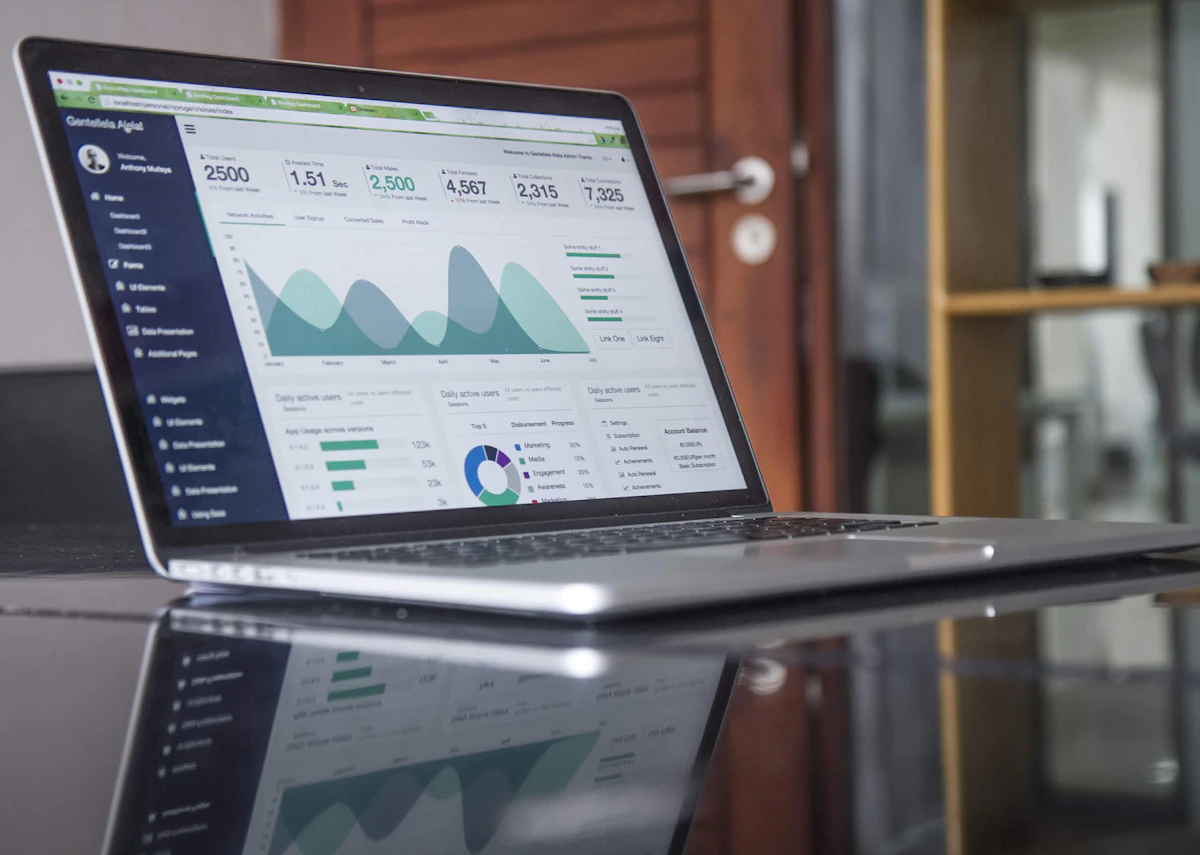
Google Ads vs Meta Ads: Real Case Studies
A no-nonsense comparison based on real campaign budgets. I share my exact strategies for Real Estate, E-Commerce, and Education clients.

Turn SEO Audits into Professional Sales Decks Instantly
Built exclusively for agencies that sell SEO.
1. Introduction: My Real Experience (Short & Honest)
I didn't learn Paid Ads in a classroom. I learned by burning money.
When I started, I thought the platform didn't matter. "Traffic is traffic," right? Wrong. I spent $500 on Facebook Ads for a plumbing service in my first month. I got zero calls. Why? Because when your pipe bursts, you don't scroll Instagram. You Google it.
That was my first expensive lesson in User Intent.
Since then, I've managed budgets from $500/mo to $50,000/mo. I've realized that success isn't about being a "wizard" at one platform. It's about knowing which tool to pull out of the toolbox.
This blog isn't theory. It's how I actually decide where to put my client's money.
2. How I Decide Between Google Ads and Meta Ads
I don't flip a coin. I look at one thing: Search Demand vs. Demand Creation.
- Google Ads (Pull): The user is already looking for you. They have a problem. You are the solution.
- Meta Ads (Push): The user doesn't know you exist. You have to interrupt their scrolling and make them want you.
| Business Goal | Google Ads | Meta Ads | My Recommendation |
|---|---|---|---|
| Urgent Service (Plumber, Locksmith) | High (Intent) | Low (Disruption) | Google Ads (Search) |
| New Fashion Brand | Low (Too distinct) | High (Visual) | Meta Ads (Instagram) |
| Real Estate (Flats) | Medium (Quality) | High (Volume) | Hybrid (60% Meta / 40% Google) |
| B2B SaaS | High (Solution Aware) | Medium (Retargeting) | Google Search + LinkedIn |
3. Real Estate Campaign Case Study
Project: Luxury 3BHK Apartments in a Tier-1 City.
Ticket Size: $150,000+ (approx ₹1.2 Cr).
Budget: $2,000/month.
The Strategy
I split the budget 50/50 initially to test lead quality.
Google Ads Strategy:
I targeted high-intent keywords: "3bhk luxury flats near IT park", "premium apartments for sale". I used Search Ads heavily. Lead volume was low, but every person who called wanted to visit the site within 48 hours.
Meta Ads Strategy:
I used visual carousels showing the pool, the gym, and the deck. I used "On-Facebook Lead Forms" (Instant Forms) for speed. The leads poured in. My phone wouldn't stop buzzing.
The Comparison
Here is what happened after month 1:
| Metric | Google Ads | Meta Ads | My Verdict |
|---|---|---|---|
| Cost Per Lead (CPL) | $15.00 | $3.50 | Meta wins on volume. |
| Lead Quality | High (80% pickup rate) | Low (30% pickup rate) | Google wins on intent. |
| Site Visits | 12 Visits | 15 Visits | Surprisingly close. |
Actual Outcome:
I noticed that while Meta leads were cheaper, the Sales Team hated calling them. "They don't remember filling the form," they complained.
However, the retargeting on Meta was magic. People who clicked the Google Ad but didn't convert? I showed them the "Virtual Tour" video on Instagram. Boom. They converted.
Final Decision: I shifted to 40% Google (Search) + 60% Meta (Retargeting + Lookalikes).
4. Retail / E-Commerce Campaign Case Study
Project: Women's Footwear Brand (D2C).
AOV: $50.
Goal: Minimum 3.0 ROAS.
The Funnel Design
E-commerce is visual. You cannot sell a shoe with a text ad.
My E-Com Architecture
Meta Ads (Video/Reels): "3 Ways to Style These Heels". Cold audience. Goal: View Content.
Google Performance Max (PMax): Showing the exact shoe in the Shopping tab when they search "comfortable party heels".
Meta (Catalog Sales): Dynamic Product Ads (DPA) showing the exact shoe they viewed but didn't buy. 10% Discount code.
Results
I tried running Google Search Ads for "buy women's heels". It was a disaster. CPCs were $2.00, and nobody bought. Why? Because "heels" is too broad.
The Winner: Meta Ads Strategy.
The visual "Reel" creative stopped the scroll. The Retargeting DPA printed money.
ROAS: Meta (4.5) vs Google (2.1).
Lesson: If your product is "Impulse Buy" (<$60) and sexy, go heavy on Meta.
5. Education / Coaching Campaign Case Study
Project: Data Science Bootcamp (6 Months).
Course Fee: $3,000.
Challenge: People don't buy a $3k course from an Instagram Ad instantly.
The Mindset Shift
For education, I rely heavily on Google Search because intent matters more than creativity.
If someone searches "Data Science course with placement", they have a burning career pain. They are ready to talk.
My Strategy
1. Google Search (Broad + Exact):
Keywords: "Data science syllabus", "best data analytics course".
Lead Magnet: "Download Curriculum PDF".
I didn't ask them to buy. I just asked for their email to send the PDF.
2. Meta Nurturing:
Once I had the email (pixel fired), I used Meta NOT to sell, but to build trust.
- Ad 1: Testimonial video of a student who got a job at Amazon.
- Ad 2: "Day in the life of a Data Scientist".
- Ad 3: Invitation to a free webinar.
The Outcome
Google leads cost me $30. Meta leads cost me $8.
BUT: The Google leads converted at 15%. The Meta leads converted at 2%.
When selling high-ticket items, you need the user to be in the "Research Mode" mindset. Google owns that.
6. When Google Ads FAILED for Me
I wish I could say I win 100% of the time. I don't. Here is when I lost money on Google:
- New Product Categories: I tried to sell a "Smart Posture Corrector" on Search. Nobody was searching for it. CPC was $5. Conversion was 0. Lesson: You can't capture demand that doesn't exist.
- Low Ticket Items: Selling a $12 phone case on Google Search is suicide. If CPC is $1.00 and conversion rate is 3%, your CPA is $33. You lose money on every sale.
- Poor Landing Page Experience: I sent traffic to a slow homepage instead of a dedicated landing page. Quality Score dropped to 3/10. I paid double what my competitors paid.
7. When Meta Ads FAILED for Me
And here is where Zuckerberg took my money:
- B2B Enterprise Software: I tried targeting "CEOs" on Facebook. I got a lot of "Founders" of 1-person companies. The targeting wasn't precise enough for high-level decision makers. (I moved to LinkedIn).
- Creative Fatigue: I ran the same image for 3 months. My frequency went up to 4.0. CPA tripled. Lesson: On Meta, your creative is your targeting. You must refresh ads every 2 weeks.
- Fake Leads: I turned off "Double Opt-in". The phone numbers I got were 1234567890. Always add friction to your lead forms.
My "Golden Rule" for Platform Selection
"If people know what they want, use Google (Harvest Demand).
If people don't know they want it yet, use Meta (Create Demand)."
8. My Budget Allocation Framework
Clients always ask: "I have $X. How do I split it?" Here is my cheat sheet.
| Monthly Budget | Google Ads % | Meta Ads % | Strategy |
|---|---|---|---|
| Small (<$1k) | 80% | 20% | Focus on low-hanging fruit (High Intent Search). Use Meta only for Retargeting. |
| Medium ($1k - $10k) | 60% | 40% | Scale Search. Add Display/Discovery. Start "Lookalike" audiences on Meta. |
| Scaling (>$10k) | 40% | 60% | You will max out Search volume eventually. To scale, you MUST go broad on Meta/YouTube to find new people. |
9. Tools I Personally Use
I don't use fancy enterprise tools. These are enough to run 6-figure accounts:
- Google Tag Manager: If you aren't using this, you are flying blind. I use it to track button clicks, form submissions, and scroll depth.
- Google Analytics 4: I use the "Explorations" tab to see path analysis (did they click a Facebook ad then search on Google?).
- Meta Pixel Helper / Tag Assistant: Simple Chrome extensions to verify my pixels are firing.
- Canva: Most of my high-performing ads were made in Canva, not Photoshop. "Ugly" ads often outperform polished ones.
- UTM Generator: Every distinct link I post gets a UTM tag. Use my free tool here to build yours.
10. Mistakes I See Freshers Make
I interview 10 candidates a month. Here is why I reject them:
- Copying US Strategies in India: What works for a $50 CPM market (USA) doesn't work for a $2 CPM market (India). Localization is key.
- Ignoring "Search Terms": They set up "Broad Match" keywords on Google and wonder why they are paying for irrelevant clicks. Always check the Search Terms report.
- Platform Bias: "I love Instagram so I only run Instagram Ads." You are not the user. The data is the user.
- Impatience: Changing the bid strategy every 2 days. The algorithm needs 7 days to learn. Sit on your hands.
11. Interview Questions I’ve Been Asked (Bonus)
If you want a job in Performance Marketing, prep for these:
Q1: "Why would you choose Google Ads over Meta Ads for a plumping business?"
My Answer: "Because plumbing is an 'Urgent Need'. If my sink is leaking, I am searching for a solution actively. I am not waiting to see an ad on Facebook. I would put 100% budget into Google Search Call-Only ads."
Q2: "Our CPL on Meta increased from $5 to $15 yesterday. What do you do?"
My Answer: "First, I check if the Creative has fatigued (Frequency > 3). Second, I check if the audience size is too small. Third, I check the landing page load speed. Usually, it's creative fatigue, so I would launch a new refreshing video ad."
Q3: "How do you scale a profitable campaign?"
My Answer: "I don't just double the budget (that resets the learning phase). I increase budget by 20% every 48 hours. I also expand to 'Lookalike' audiences (1%, then 3%, then 5%) to find similar people."
12. Final Advice – What I’d Tell My Younger Self
Stop chasing "Hacks". There is no secret button.
Focus on the fundamentals:
- Learn Tracking (GTM/GA4) before you learn Ads. If you can't measure it, you are gambling.
- Think like a Business Owner. Do not report "Clicks" to your client. Report "Revenue".
- Be Honest. If a campaign fails, admit it, explain why, and fix it. That builds more trust than a fake success report.
Ready to Run Profitable Ads?
The best way to learn is to spend money (even small amounts). Start your first campaign today. And don't forget to track your results.
Turn SEO Audits into Professional Sales Decks Instantly
Built exclusively for agencies that sell SEO.