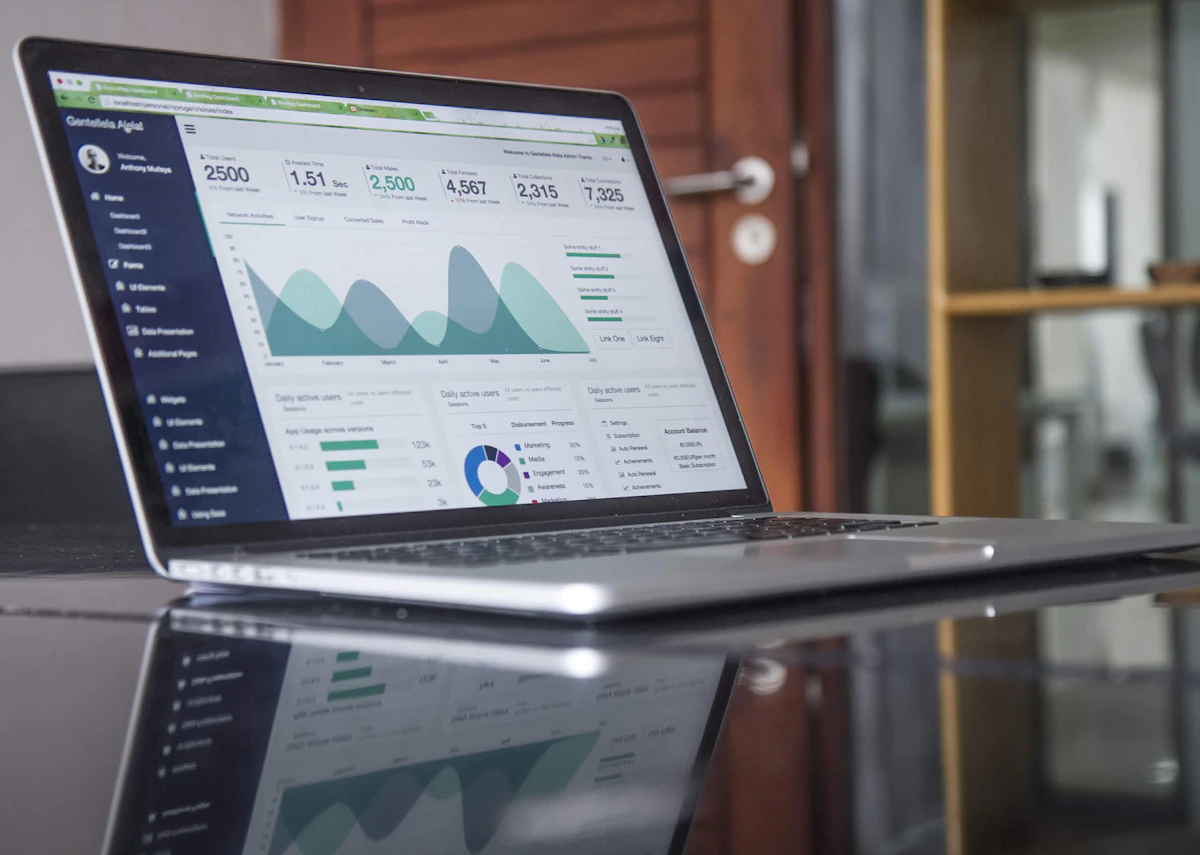
Looker Studio vs Google Sheets Analysis
Why I stopped using Looker Studio for analysis and went back to spreadsheets. The strengths and weaknesses of the modern analytics stack.

Turn SEO Audits into Professional Sales Decks Instantly
Built exclusively for agencies that sell SEO.
The Popular Choice vs. The Right Choice
In the analytics community, Looker Studio (Data Studio) is the golden child. It's free, it's pretty, and it has the Google logo.
Google Sheets (or Excel) is often seen as the "old way." The manual way. The uncool way.
But after years of handling data for everything from startups to enterprise brands, I have a controversial opinion:
For actual analysis, Google Sheets beats Looker Studio every single time.
Where Looker Studio Shines (The "What")
Looker Studio is excellent for monitoring. It is a dashboarding tool.
- It's great for checking: "Is traffic up or down?"
- It's great for clients who want a PDF on Monday morning.
- It's great for visualizing geo-maps.
It answers "What happened?" beautifully.
Where Looker Studio Breaks (The "Why")
Try answering "Why?" in Looker Studio.
Example: "Why did organic conversion rate drop on mobile devices last Tuesday?"
To answer this in Looker, you have to:
- Edit the chart.
- Add a secondary dimension (Device Category).
- Add a filter for "Tuesday."
- Wait for it to load.
- realize you need to check Landing Pages too.
- Edit the chart again.
- Wait for it to load...
It is slow. It feels like painting through a keyhole. You can't touch the data.
Why Sheets Is Unbeatable
In Google Sheets, analysis is tactile.
I pull the raw data set (Time, Device, Source, Page). I create a Pivot Table.
- I drag "Device" to rows. BAM. Instant view.
- I see Mobile is down. I double-click the "Mobile" cell to drill down.
- I add "Landing Page" to columns.
- I see
/checkouthas 0 conversions.
I found the issue in 30 seconds. In Looker Studio, I'd still be configuring the filter.
Calculated Fields Freedom
In Sheets, if I want to create a complex custom metric (e.g., "Weighted Lead Score"), I just type a formula. =A20.5 + B21.2. In Looker, creating custom calculated fields is clunky, debugging them is a nightmare, and they slow down the report.
How I Combine Them intentionally
I don't choose one. I use them for their specific strengths.
Google Sheets = The Kitchen
This is where I cook. I chop the data. I clean it. I taste it (analyze it). I find the insights here. The messy, raw work happens in the spreadsheet.
Looker Studio = The Dining Room
This is where I serve the meal. Once I have found the insight in Sheets ("Mobile checkout is broken"), I build a clean, simple chart in Looker Studio that demonstrates that specific point to the client.
The Hard Truth: If you are trying to do deep-dive analysis strictly inside a dashboard tool, you are handicapping your brain speed. Get your hands on the rows and columns.
Stop fighting your tools.
Learn to build an automated pipeline where Sheets handles the logic and Looker handles the beauty. It's the best of both worlds.
Optimize My WorkflowTurn SEO Audits into Professional Sales Decks Instantly
Built exclusively for agencies that sell SEO.